GitDb
GitDb Server
A small web UI for a GitDb repository: sign in with a repository and token, browse the collections (“tables”) it contains, and query them.
A backend-free build of this UI is published to GitHub Pages at
https://charles2ke.github.io/GitDb/ (source in site/); use it
if you just want to browse a repository. Run the FastAPI version below when you
want the HTTP API or want the token to stay on a server you control.
pip install -r examples/server/requirements.txt
uvicorn examples.server.main:app --reload
Then open http://127.0.0.1:8000 and sign in with:
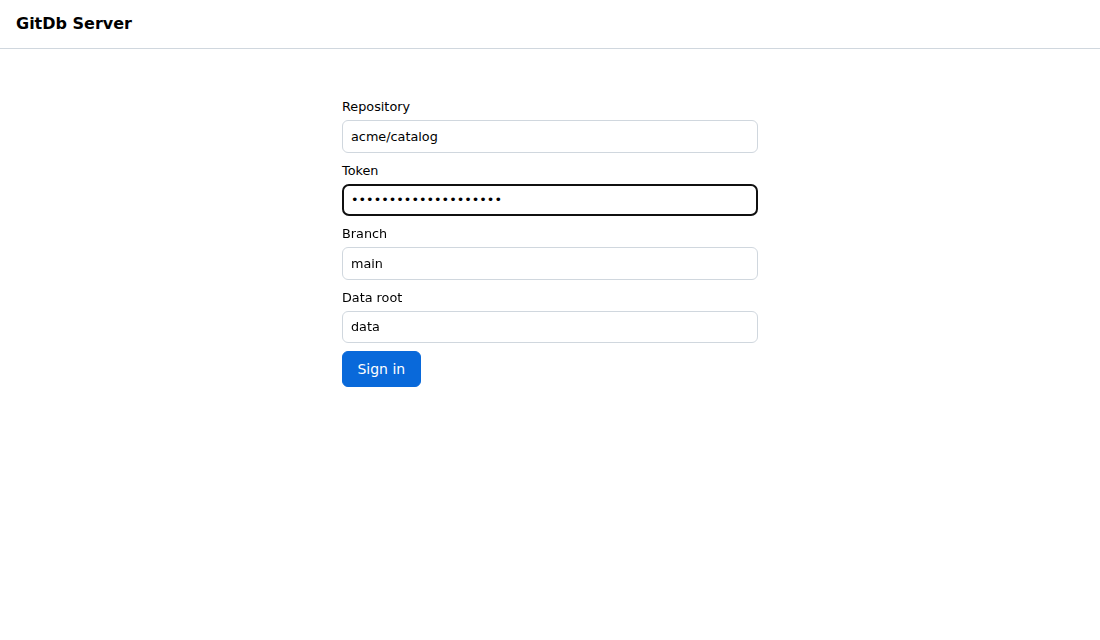
| Field | Meaning |
|---|---|
| Repository | owner/name of the backing repository. |
| Token | GitHub token with Contents: Read permission for that repository. |
| Branch | Branch to read, main by default. |
| Data root | Directory holding the collections, data by default. |
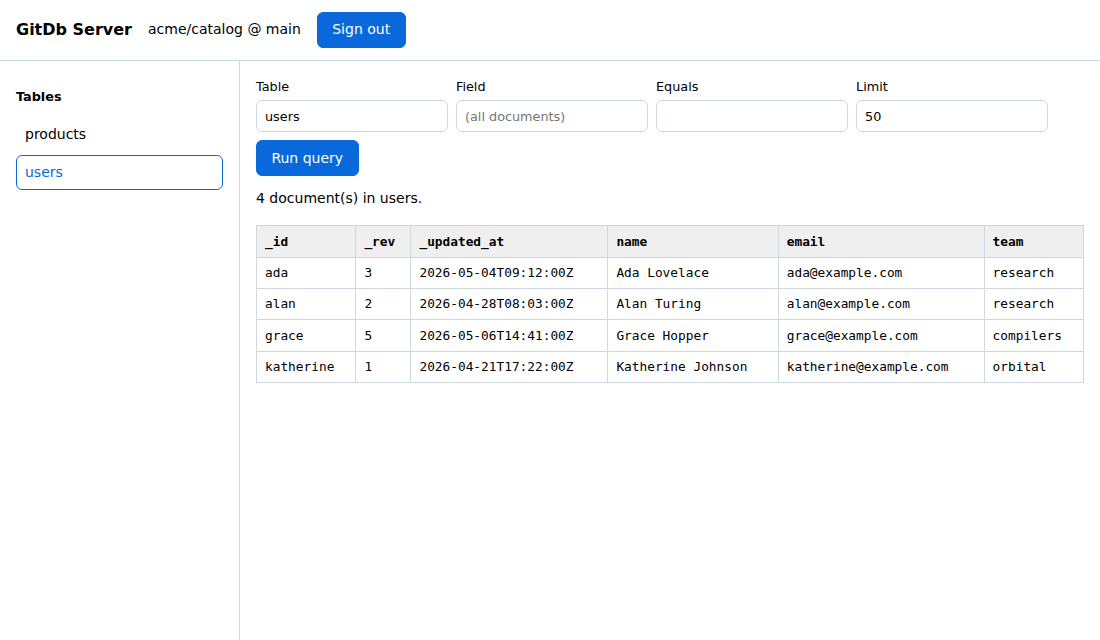
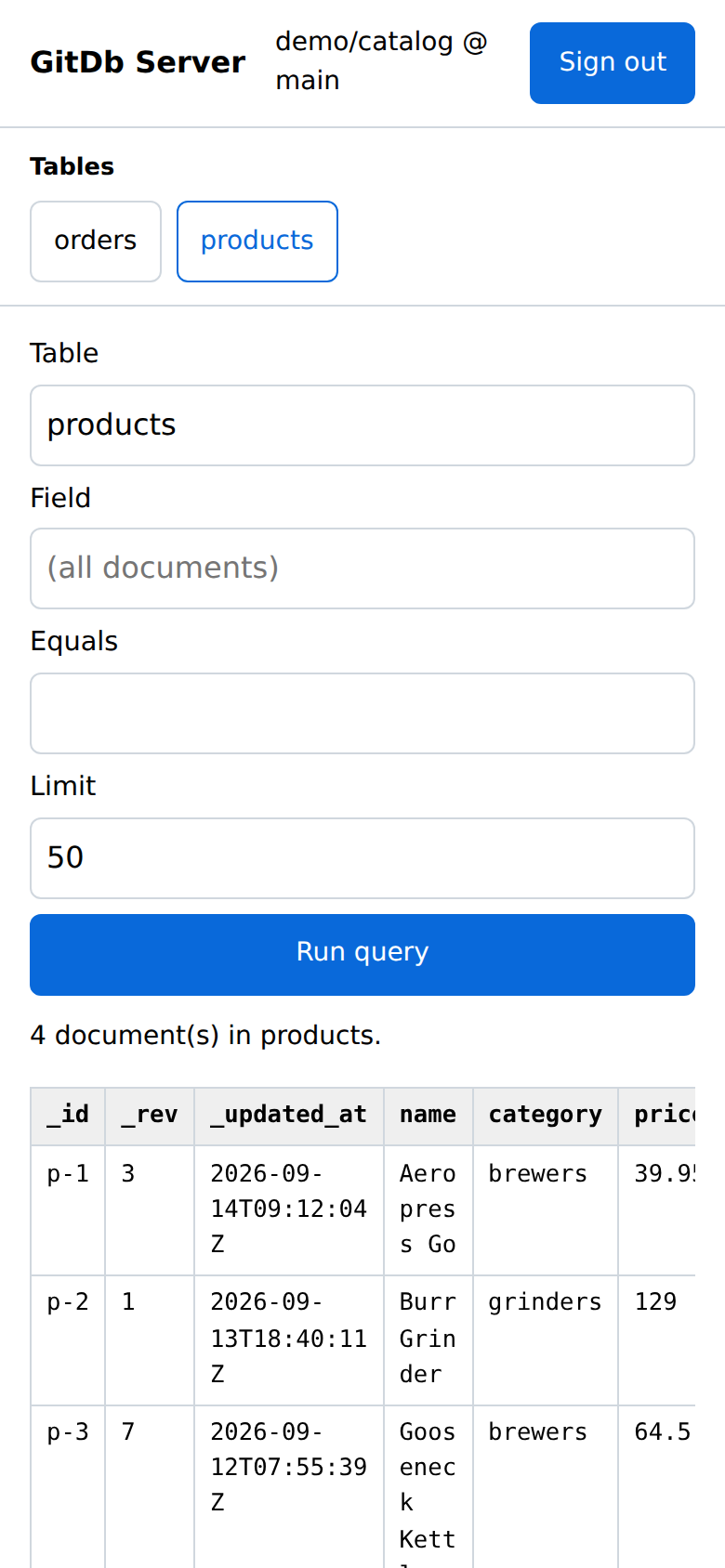
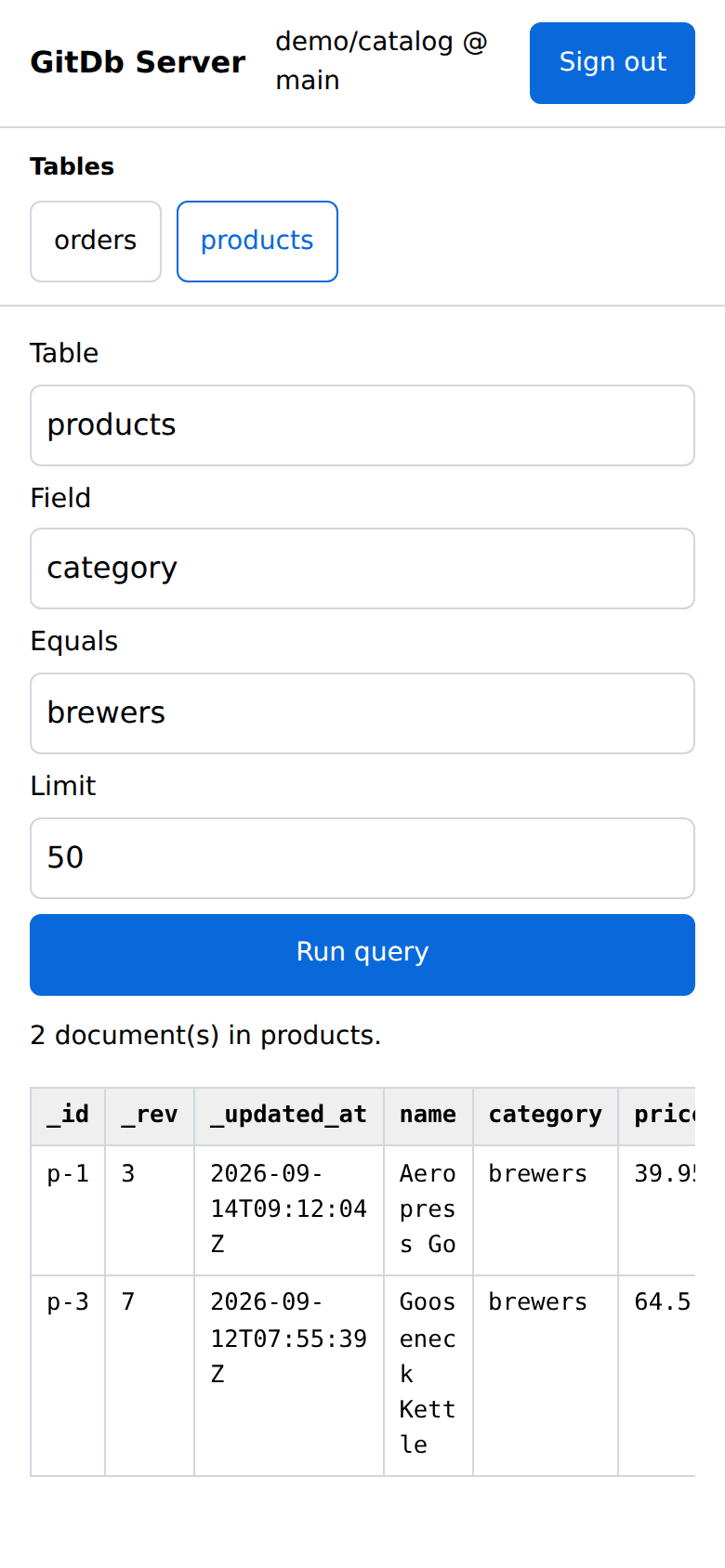
The sidebar lists every collection under the data root (the derived _index
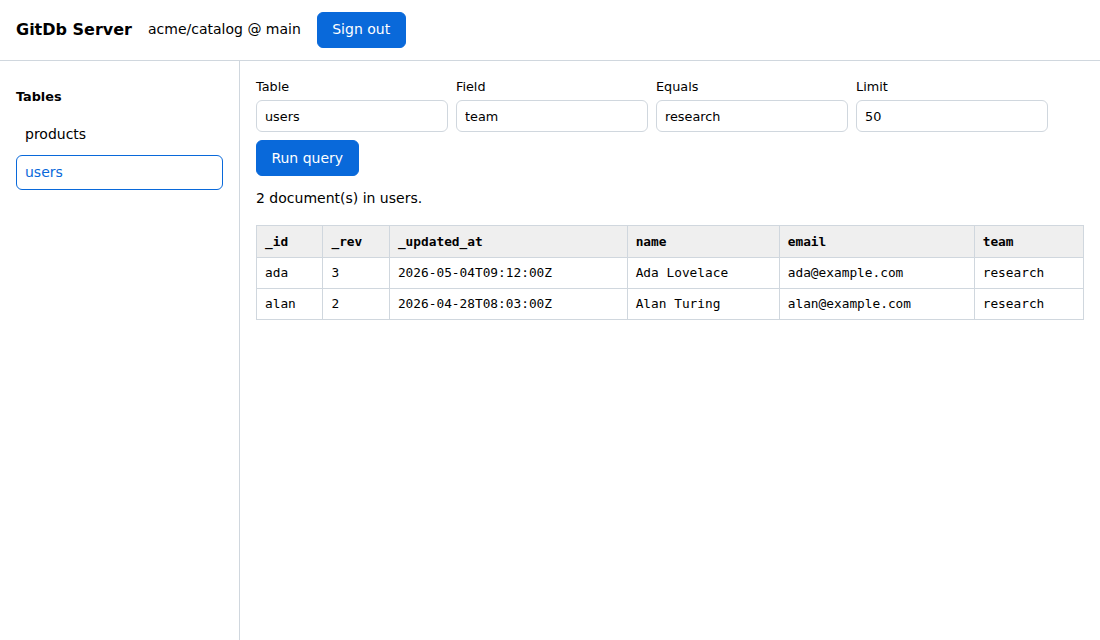
and _manifest directories are hidden). Selecting one runs a query; the form
also filters by field value — indexed fields use the index, everything else
falls back to a client-side scan — and caps the number of returned documents.
The layout adapts to narrow screens: the sidebar turns into a row of table chips, the query fields stack full width with touch-sized controls, and the results table scrolls sideways.
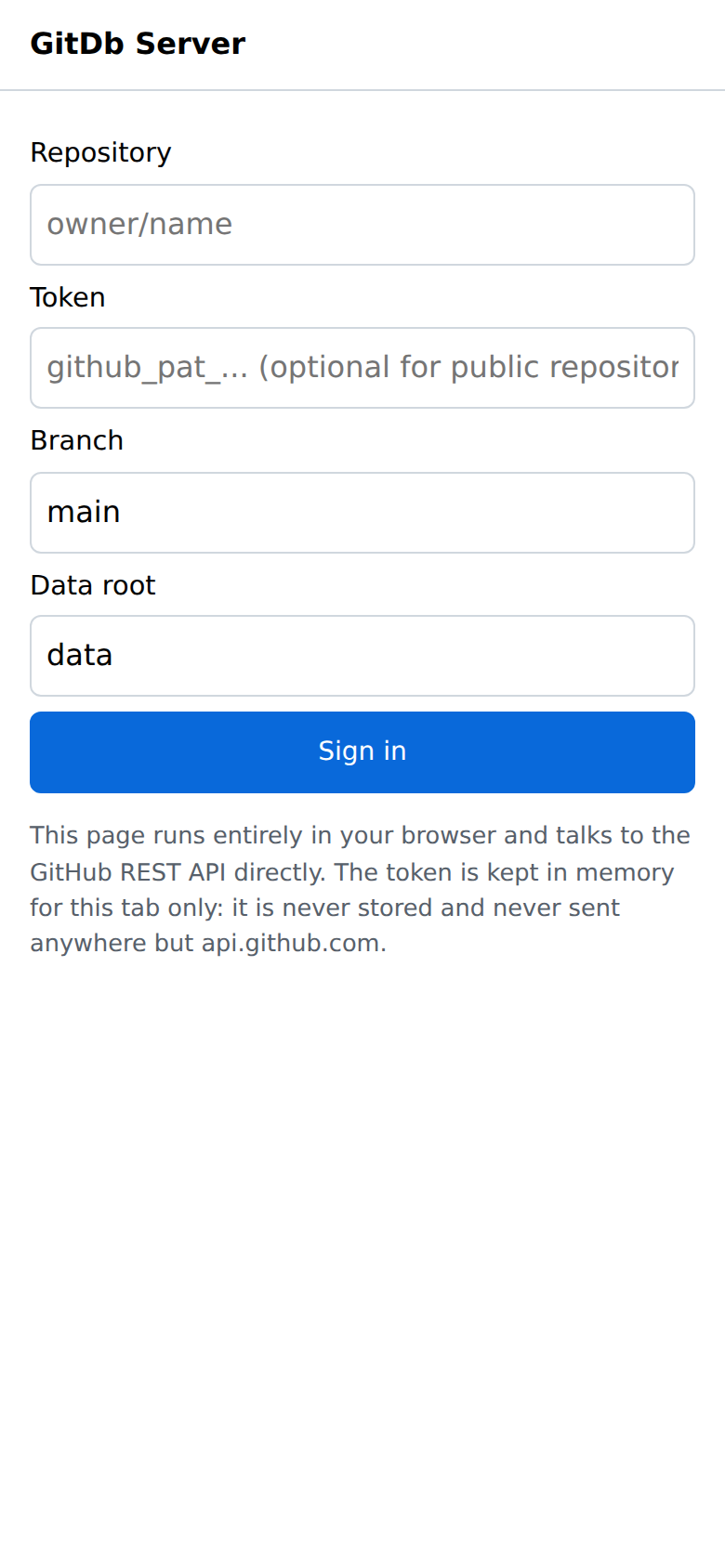
The token is exchanged for an opaque, HttpOnly session cookie and is kept in
the server process memory only. Sessions are per process and are dropped on
sign-out or restart, so run the server locally next to the browser that uses it
rather than exposing it to a network. The repository, branch and data root are
remembered in the browser’s localStorage and prefilled on the next visit; the
token never is.
While a request is in flight the button that started it is disabled, an empty
result explains itself instead of leaving a blank table, long cell values are
shown in full on hover, focus moves to the query form after sign-in, and status
messages sit in an aria-live region.
HTTP API
| Endpoint | Description |
|---|---|
POST /api/login |
{repo, token, branch, root}, sets the session cookie. |
GET /api/collections |
Collection names for the signed-in session. |
POST /api/query |
{collection, field, value, limit} → documents and columns. |
POST /api/logout |
Closes the session. |